# ms-mcms
**Repository Path**: xu-zhangkai/ms-mcms
## Basic Information
- **Project Name**: ms-mcms
- **Description**: MCMS项目
- **Primary Language**: Unknown
- **License**: MIT
- **Default Branch**: master
- **Homepage**: None
- **GVP Project**: No
## Statistics
- **Stars**: 1
- **Forks**: 0
- **Created**: 2021-03-20
- **Last Updated**: 2021-03-20
## Categories & Tags
**Categories**: Uncategorized
**Tags**: None
## README
# 开发环境
建议开发者使用以下环境,这样避免版本带来的问题
* Windows、Linux
* Eclipse、Idea
* Mysql≧5.7
* JDK≧8
* Tomcat≧8
# 快速体验(导入到 Eclipse 或 IDEA)
1、检出源代码:
git clone https://gitee.com/xu-zhangkai/mcms.git
2、导入项目
* Eclipse导入,菜单 File -> Import,然后选择 Maven -> Existing Maven Projects,点击 Next> 按钮,选择检出的项目MCMS文件夹,然后点击 Finish 按钮,即可成功导入
* IDEA导入,点击 Import Project,选择 pom.xml 文件,点击 Next 按钮,选择 Import Maven projects automatically 复选框,然后一直点击 Next 按钮,直到点击 Finish 按钮,即可成功导入
4、Eclipse(IDEA)会自动加载 Maven 依赖包,初次加载会比较慢(根据自身网络情况而定),若工程上有小叉号,请打开 Problems 窗口,查看具体错误内容,直到无错误为止
5、创建数据库db-mcms-open(数据库使用utf-8编码),导入doc/mcms-版本号.sql,如果升级现有系统请使用*-up-*.sql升级,如果导入了系统对应的完整版SQL,sql升级补丁不需要重复导入;
6、修改src\main\resources\application-dev.yml文件中的数据库设置参数;
7、运行MSApplication.java main方法
8、首先先访问后台地址:http://ip|域名/项目发布名/ms/login.do,管理员账号,用户名:msopen 密码:msopen,进入后台点击内容管理->静态化菜单,进行"生成主页","生成栏目","生成文章"操作一遍 (注意!!!是后台登录界面,不是会员中心登录界面)
# 技术选型
## 后端框架
| 技术 | 名称 | 官网 |
| :--- | :--- | :--- |
| Spring Framework | 容器 | [http://projects.spring.io/spring-framework](http://projects.spring.io/spring-framework/) |
| Spring Boot | MVC框架 | [https://spring.io/projects/spring-boot](https://spring.io/projects/spring-boot) |
| Apache Shiro | 安全框架 | [http://shiro.apache.org](http://shiro.apache.org/) |
| Spring session | 分布式Session管理 | [http://projects.spring.io/spring-session](http://projects.spring.io/spring-session) |
| MyBatis | ORM框架 | [http://www.mybatis.org](http://www.mybatis.org/mybatis-3/zh/index.html) |
| Freemarker | 视图框架 | [http://freemarker.foofun.cn](http://freemarker.foofun.cn/) |
| PageHelper | MyBatis分页插件 | [http://git.oschina.net/free/Mybatis\_PageHelper](http://git.oschina.net/free/Mybatis_PageHelper) |
| Log4J | 日志组件 | [http://logging.apache.org](http://logging.apache.org) |
| Maven | 项目构建 | [http://maven.apache.org](http://maven.apache.org/) |
| Elasticsearch | 分布式搜索引擎 | [https://www.elastic.co](https://www.elastic.co/) |
| Redis | 分布式缓存数据库 | [https://redis.io](https://redis.io) |
| hutool | 工具类 | [http://hutool.mydoc.io](http://hutool.mydoc.io) |
## 前端框架
| 技术 | 名称 | 官网 |
| :--- | :--- | :--- |
| vue| 函式库 | [https://cn.vuejs.org//](https://cn.vuejs.org//) |
| element ui| UI库 | [https://element.eleme.cn/2.0/#/zh-CN](https://element.eleme.cn/2.0/#/zh-CN) |
| jQuery | 函式库 | [http://jquery.com/](http://jquery.com/) |
| Bootstrap | 前端框架 | [http://getbootstrap.com/](http://getbootstrap.com/) |
| Bootstrap-table | Bootstrap数据表格 | [http://bootstrap-table.wenzhixin.net.cn/](http://bootstrap-table.wenzhixin.net.cn/) |
| BootstrapValidator | 表单验证 | [http://bootstrapvalidator.com/](http://bootstrapvalidator.com) |
| Font-awesome | 字体图标 | [http://fontawesome.io/](http://fontawesome.io/) |
| Waves | 点击效果插件 | [https://github.com/fians/Waves/](https://github.com/fians/Waves) |
| zTree | 树插件 | [http://www.treejs.cn/v3/](http://www.treejs.cn/v3/) |
| Select2 | 选择框插件 | [https://github.com/select2/select2](https://github.com/select2/select2) |
| Vue | MVVM框架 | [https://cn.vuejs.org/](https://cn.vuejs.org/) |
| AmazeUI | 移动端UI | [http://amazeui.org/](http://amazeui.org/) |
| Plupload | 上传控件 | [http://www.plupload.com/](http://www.plupload.com/) |
| freemarker | 模板引擎 | [http://freemarker.foofun.cn/toc.html](http://freemarker.foofun.cn/toc.html) |
| validator | 验证库 | [https://github.com/chriso/validator.js](https://github.com/chriso/validator.js) |
| animate | 动画 | [http://daneden.github.io/animate.css/](http://daneden.github.io/animate.css/) |
| icon | 矢量小图标\(待更新\) | [http://ms.mingsoft.net/html/86//6048/index.html](http://ms.mingsoft.net/html/86//6048/index.html) |
# 文件说明
* doc 项目文档文件夹,里面有数据库文件
* src/main/java java源代码
* src/main/resources 项目的资源配置文件
* src/main/webapp
* src/main/webapp/static 静态资源文件,如:js、css、image、等第三方前端插件库
* src/main/webapp/html 生成的静态页面,实际项目需要删除,只是提供给开发者快速预览生成后的静态页面
* src/main/webapp/templets 模版文件夹
* src/main/webapp/upload 上传资源文件夹
* src/main/webapp/WEB-INF/manager 后端视图页面
* LICENSE 项目协议说明
* README.md 项目说明文档
* pom.xml 依赖配置文件
# 文档
* 使用手册 http://doc.mingsoft.net/plugs-cms/
# 软件截图
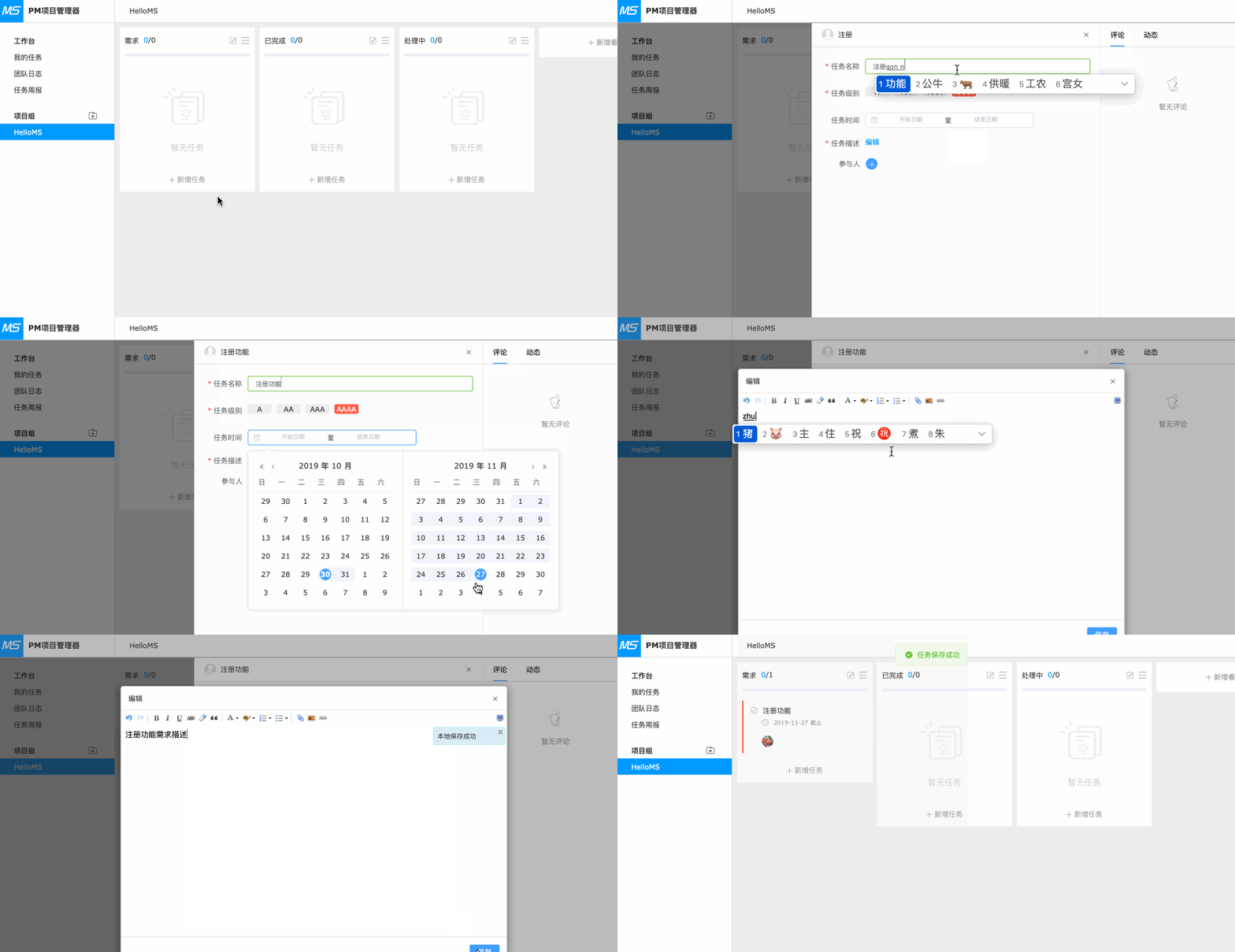
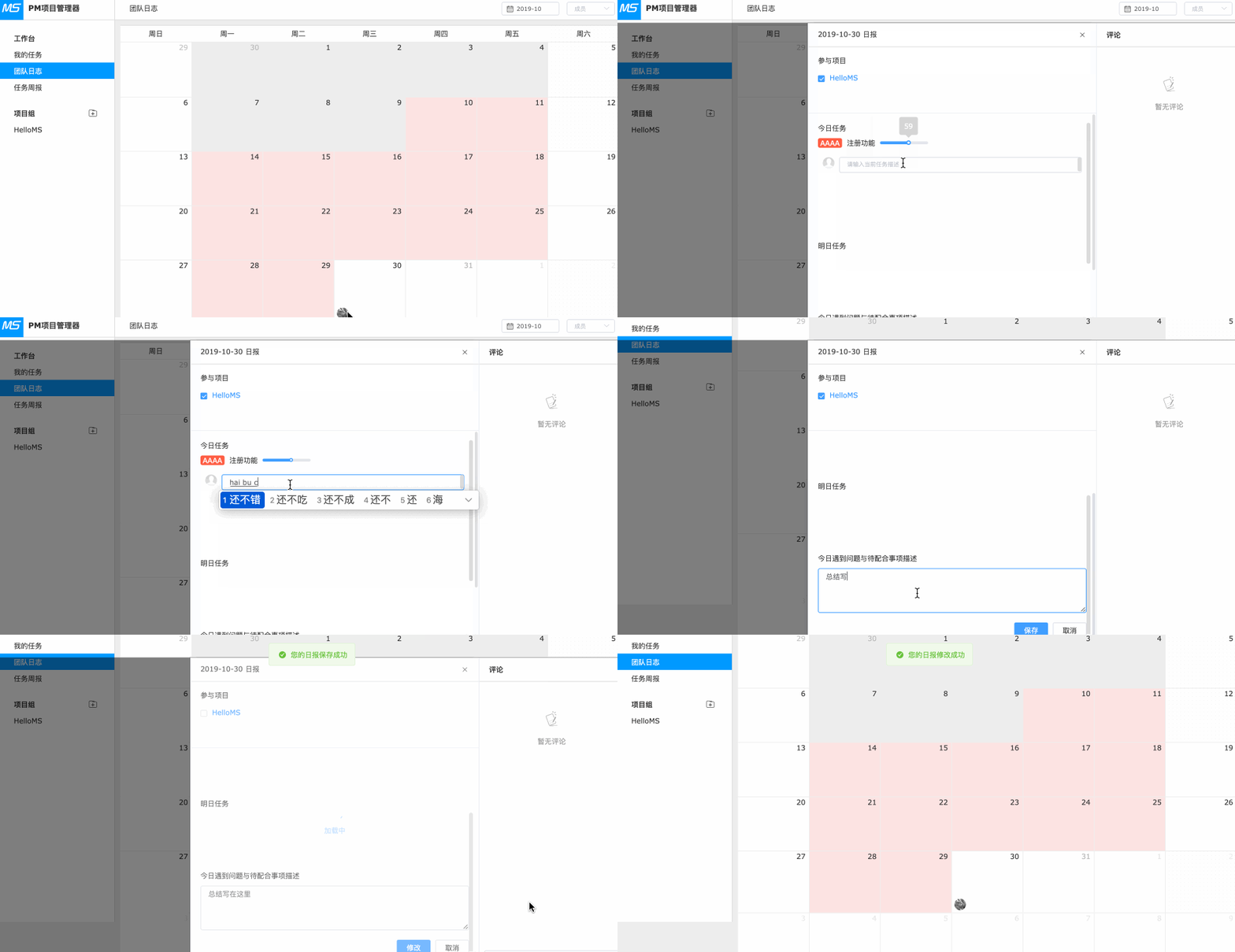
## 项目管理
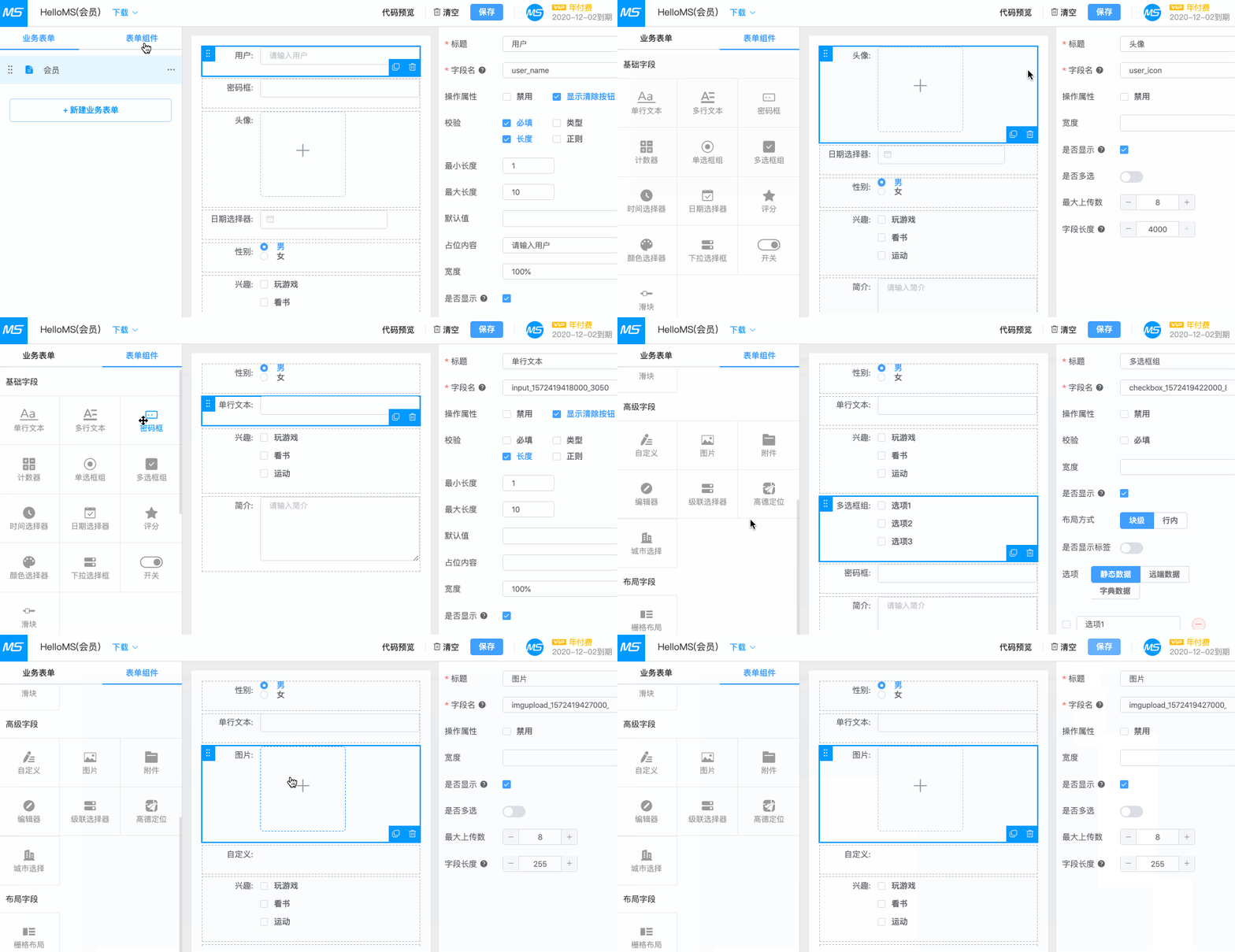
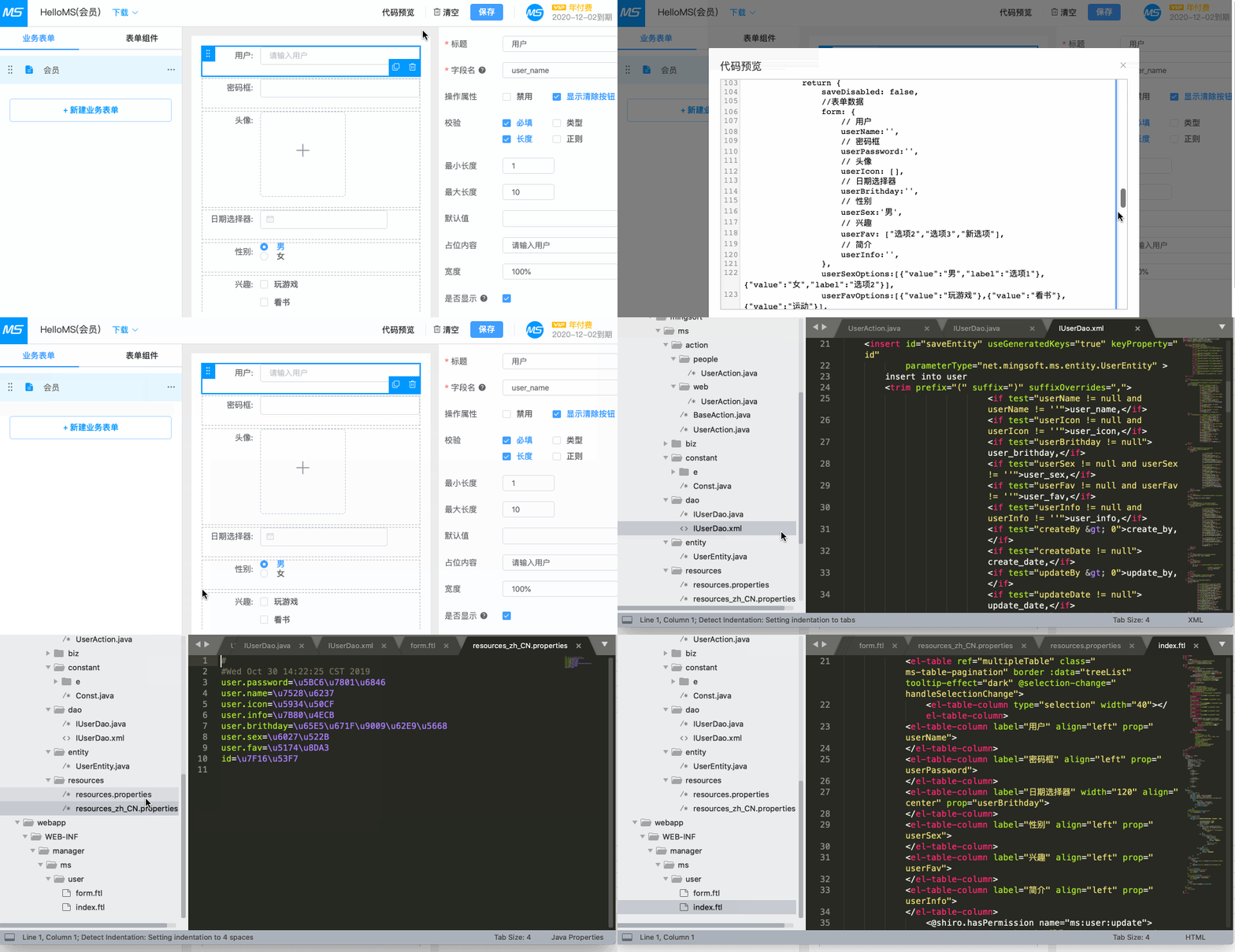
## 代码生成器