
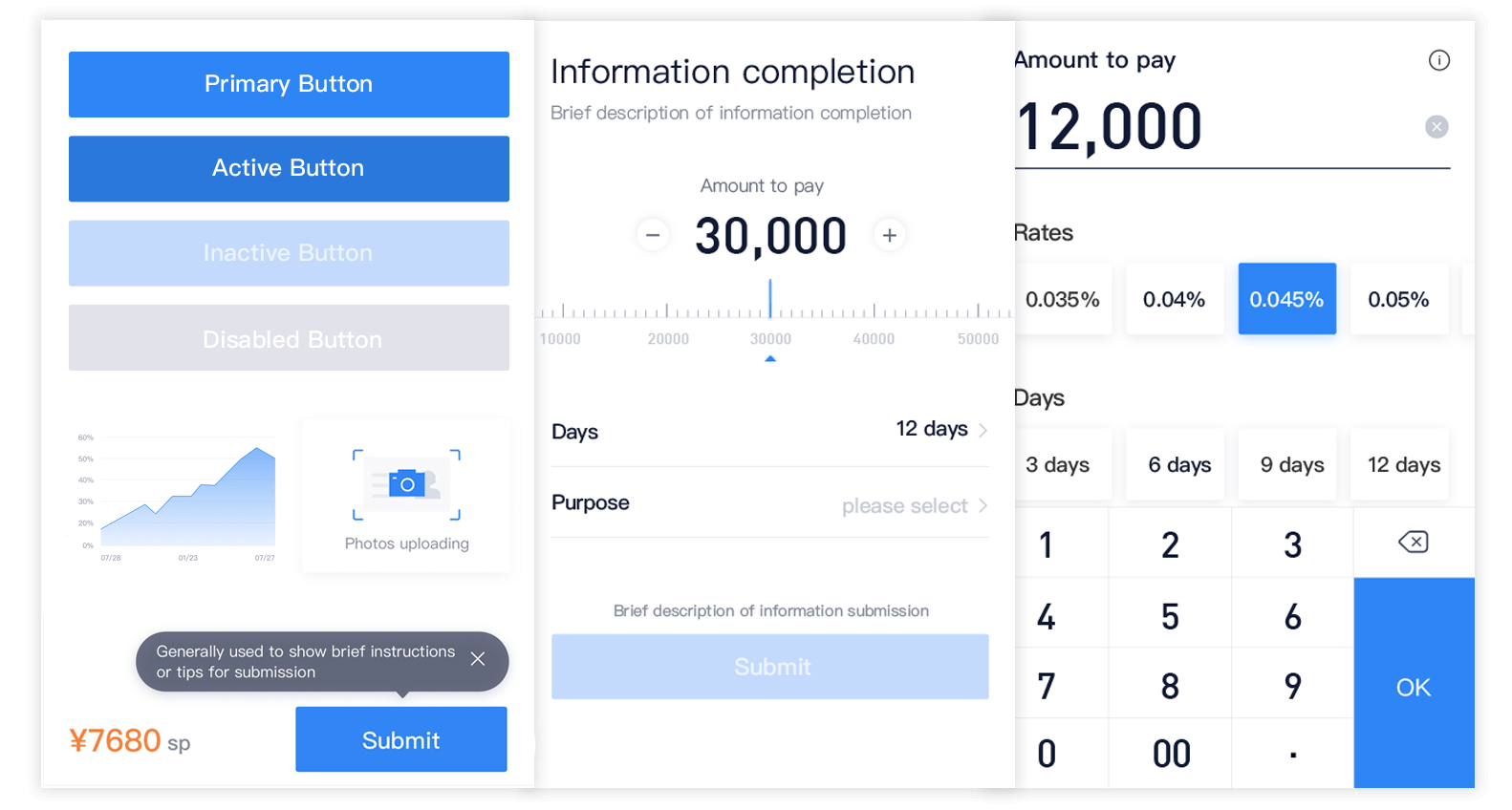
A mobile UI toolkit, based on Vue.js 2, designed for financial scenarios







 ## Install & Usage
### Template for new project
#### Vue CLI 2
New project can be initialized and integrated with mand-mobile by [vue-cli-2](https://github.com/vuejs/vue-cli/tree/v2) with [mand-mobile-template](https://github.com/mand-mobile/mand-mobile-template).
```bash
vue init mand-mobile/mand-mobile-template my-project
```
#### Vue CLI 3
New project can be initialized and integrated with mand-mobile by [vue-cli](https://github.com/vuejs/vue-cli/tree/master) with [vue-cli-plugin-mand](https://github.com/mand-mobile/vue-cli-plugin-mand).
```bash
vue create my-project
cd my-project
npm install --save-dev vue-cli-plugin-mand
vue invoke mand
```
### Manually
```bash
npm install mand-mobile --save
```
### Import
* Use babel-plugin-import
or
ts-import-plugin (Recommended)
```javascript
import { Button } from 'mand-mobile'
```
* Manually import
```javascript
import Button from 'mand-mobile/lib/button'
```
* Totally import
```javascript
import Vue from 'vue'
import mandMobile from 'mand-mobile'
import 'mand-mobile/lib/mand-mobile.css'
Vue.use(mandMobile)
```
### Usage
Select the components you need to build your webapp. Find more details in [Quick Start](https://didi.github.io/mand-mobile/#/en-US/docs/started).
## Development
```bash
git clone git@github.com:didi/mand-mobile.git
cd mand-mobile
npm install
npm run dev
```
Open your browser and visit http://127.0.0.1:4000. Find more details in [Development Guide](https://didi.github.io/mand-mobile/#/en-US/docs/development).
## Contributing [](https://github.com/didi/mand-mobile/pulls)
Welcome to contribute by creating issues or sending pull requests. See [Contributing Guide](CONTRIBUTING.md) for guidelines.
## Community
## Install & Usage
### Template for new project
#### Vue CLI 2
New project can be initialized and integrated with mand-mobile by [vue-cli-2](https://github.com/vuejs/vue-cli/tree/v2) with [mand-mobile-template](https://github.com/mand-mobile/mand-mobile-template).
```bash
vue init mand-mobile/mand-mobile-template my-project
```
#### Vue CLI 3
New project can be initialized and integrated with mand-mobile by [vue-cli](https://github.com/vuejs/vue-cli/tree/master) with [vue-cli-plugin-mand](https://github.com/mand-mobile/vue-cli-plugin-mand).
```bash
vue create my-project
cd my-project
npm install --save-dev vue-cli-plugin-mand
vue invoke mand
```
### Manually
```bash
npm install mand-mobile --save
```
### Import
* Use babel-plugin-import
or
ts-import-plugin (Recommended)
```javascript
import { Button } from 'mand-mobile'
```
* Manually import
```javascript
import Button from 'mand-mobile/lib/button'
```
* Totally import
```javascript
import Vue from 'vue'
import mandMobile from 'mand-mobile'
import 'mand-mobile/lib/mand-mobile.css'
Vue.use(mandMobile)
```
### Usage
Select the components you need to build your webapp. Find more details in [Quick Start](https://didi.github.io/mand-mobile/#/en-US/docs/started).
## Development
```bash
git clone git@github.com:didi/mand-mobile.git
cd mand-mobile
npm install
npm run dev
```
Open your browser and visit http://127.0.0.1:4000. Find more details in [Development Guide](https://didi.github.io/mand-mobile/#/en-US/docs/development).
## Contributing [](https://github.com/didi/mand-mobile/pulls)
Welcome to contribute by creating issues or sending pull requests. See [Contributing Guide](CONTRIBUTING.md) for guidelines.
## Community
 ## License
Mand Mobile is licensed under the Apache License 2.0. See the [LICENSE](LICENSE) file.
## Useful Links
* [Hummer](https://github.com/didi/Hummer) is a set of high-performance and highly available cross-terminal development framework, a set of code can support the development of Android and iOS applications at the same time. Now supports Vue/TypeScript/JavaScript, for front-end developers, there is always one suitable for you.
* [DoraemonKit](https://github.com/didi/DoraemonKit) /'dɔ:ra:'emɔn/: A full-featured App (iOS & Android) development assistant. You deserve it.
* [Chameleon](https://github.com/didi/chameleon) /kəˈmiːlɪən/: Unify all platforms(Web/Weex/Mini program) with MVVM. Focus on Write Once Run AnyWhere.
## License
Mand Mobile is licensed under the Apache License 2.0. See the [LICENSE](LICENSE) file.
## Useful Links
* [Hummer](https://github.com/didi/Hummer) is a set of high-performance and highly available cross-terminal development framework, a set of code can support the development of Android and iOS applications at the same time. Now supports Vue/TypeScript/JavaScript, for front-end developers, there is always one suitable for you.
* [DoraemonKit](https://github.com/didi/DoraemonKit) /'dɔ:ra:'emɔn/: A full-featured App (iOS & Android) development assistant. You deserve it.
* [Chameleon](https://github.com/didi/chameleon) /kəˈmiːlɪən/: Unify all platforms(Web/Weex/Mini program) with MVVM. Focus on Write Once Run AnyWhere.