](https://mapray.com/)
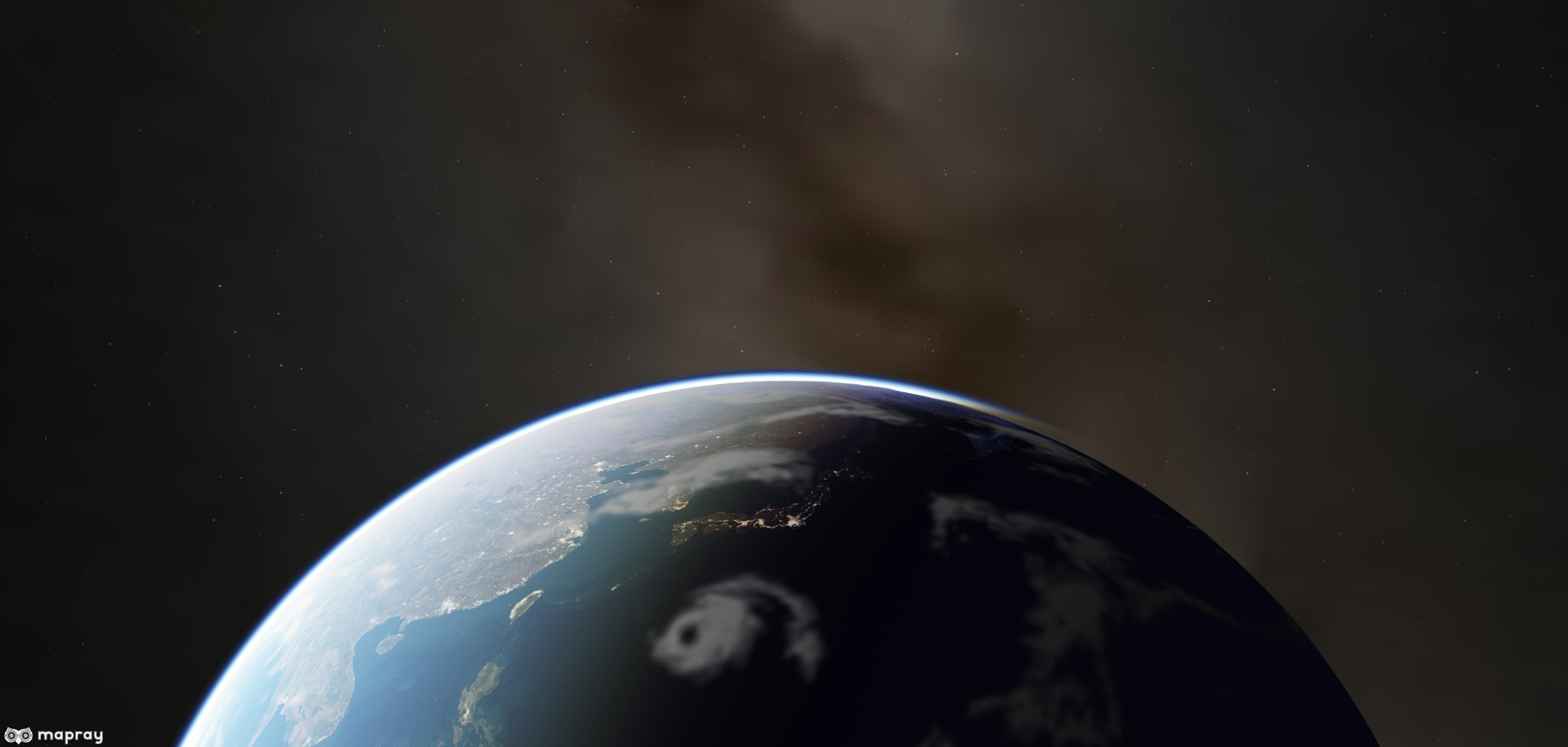
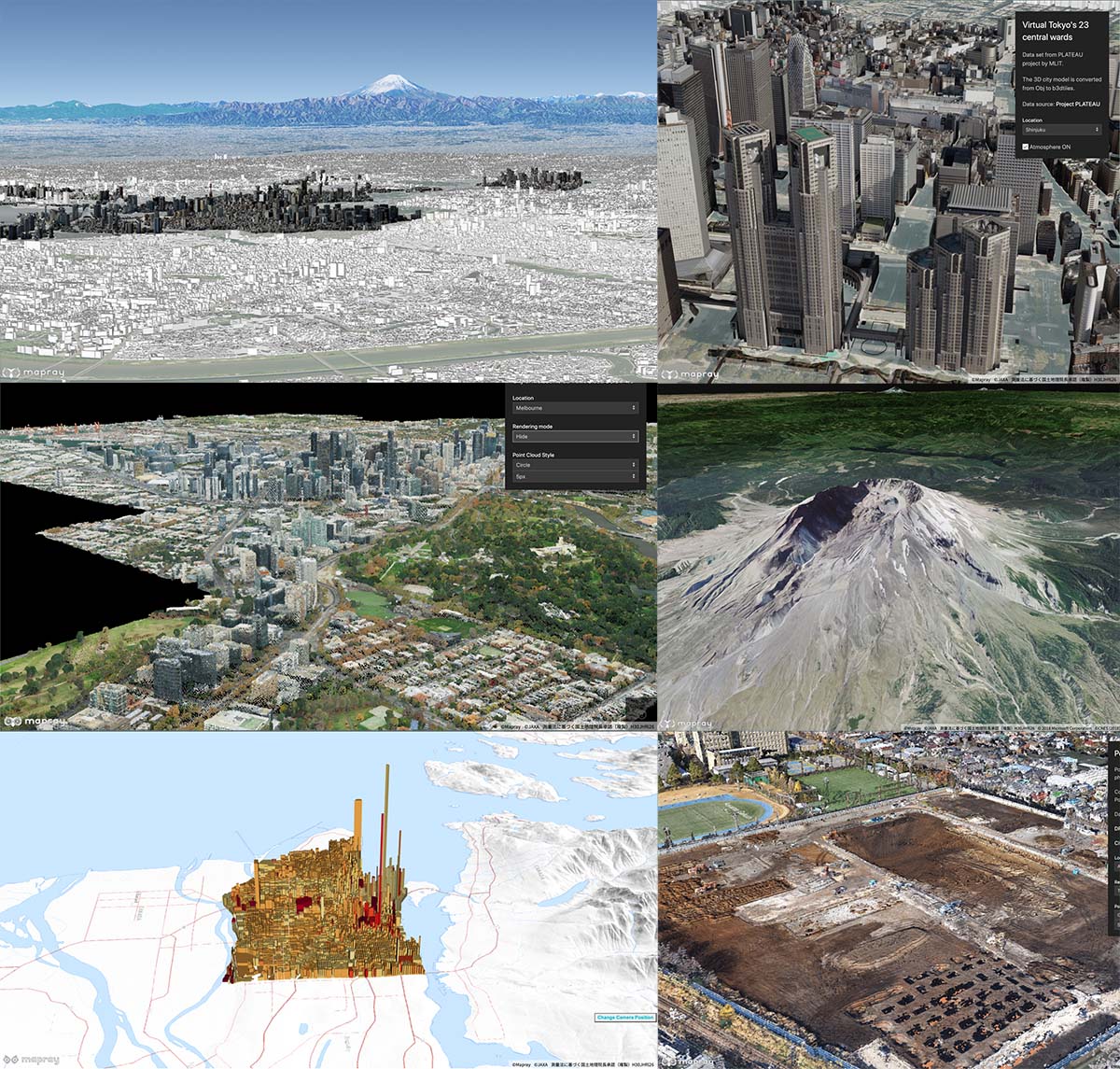
maprayJS is a JavaScript library for a high quality interactive 3D globes and digital twin on the web. It is based on WebGL.
[WebSite](https://mapray.com)
[
](https://mapray.com)
## Installation
### Script Tag
#### core packages
```html
```
#### ui packages
```html
```
### NPM module
#### core packages
```bash
npm install --save @mapray/mapray-js
```
### ui packages
```bash
npm install --save @mapray/ui
```
## Usage
World Terrain data hosted by Mapray Cloud platform. Access Token is required to access to Mapray Cloud, it is under Beta Test and you can join beta test for free if you meet the our requirements.
The service web site of Mapray Cloud is [here](https://cloud.mapray.com).
Mapray Cloud managed by [Sony Group Corporation.](https://www.sony.com/) If you have any questions about the access token of mapray cloud or the services of mapray cloud, please contact us from the [contact page](https://mapray.com/contact.html).
```html
Hello Globe
```
## Next Steps
- [Examples](/examples)
- [Debug Apps](/debug)
[
](/examples)
## Documentation
- [Mapray Document(Japanese)](https://mapray.com/documents/index.html)
- [API Reference](https://resource.mapray.com/doc/api/v0.9.5/index.html)
- [Contribution Guide (English)](/CONTRIBUTING.md)
**API documents**
Execute the following command in the root directory.
```bash
npm run doc
```
## License
maprayJS is licensed under the [Apache License Version 2.0](/LICENSE).
It also depends on open source software packages. For more information, see [LICENSES](third_party/LICENSES.md).